5–15 Minute Briefings: Pre start vs Toolbox Talk for Site Supervisors
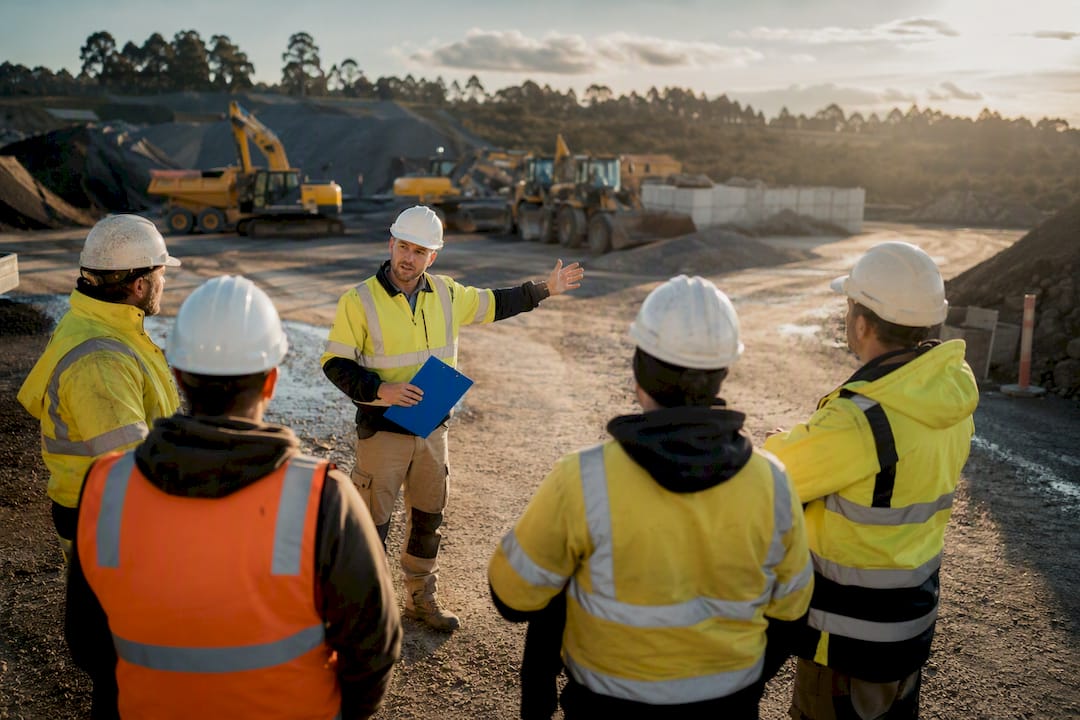
A pre-start meeting coordinates the whole site before work begins; a toolbox talk targets one safety topic during the shift. Both run 5–15 minutes and both need a name on paper or screen at the end. That signature is not a formality. It’s the evidence a WHS inspector looks for first to confirm you consulted your crew, not just spoke at them.
TL;DR:
- A pre-start meeting is led by a site manager or supervisor to plan the day’s coordination, while toolbox talks are run by a foreman or team leader to address specific hazards.
- Pre-starts are held before work begins to cover site-wide logistics, and toolbox talks are conducted mid-shift when new risks or conditions arise.
- Sign-in records for both meetings serve as proof of consultation, with digital tools improving accuracy and ease of audit trail retrieval.
- Keeping briefs engaging and focused involves rotating presenters, referencing the SWMS, and asking open questions to promote two-way communication.
- Integrating digital platforms for pre-starts and toolbox talks streamlines record-keeping, links attendance to SWMS, and reduces paperwork errors.
Table of Contents
- Pre-start vs toolbox talk: comparing scope, timing and who leads
- When do you run a pre-start vs a toolbox talk?
- Copyable checklists for both meeting types
- Why records and SWMS links matter for compliance
- How to keep briefings sharp instead of stale
- Mistakes that undo a good briefing
- A digital workflow that keeps briefings inspection-ready
- A supervisor’s take on ditching the checkbox habit
- Bring pre-starts and toolbox talks into one system
- Sources
Pre-start vs toolbox talk: comparing scope, timing and who leads
The two meetings solve different problems, and mixing them up is the most common mistake on site.
A pre-start meeting sets the day’s shape. It covers sequencing, plant movements, weather, deliveries, and who’s working where. It runs once per shift, usually before anyone picks up a tool, and typically takes 5 to 10 minutes when it’s done properly. A site manager or supervisor usually leads it, because coordination decisions sit above the task level.
A toolbox talk drills into one hazard or task. It might cover a new piece of plant arriving, a near miss from yesterday, or a task that’s about to introduce a new risk. It’s shorter and sharper than a pre-start, and a foreman or team leader typically runs it because they’re closest to the work.
The practical differences break down like this:
- Scope: pre-starts cover the whole site’s plan for the day; toolbox talks cover one hazard or task.
- Timing: pre-starts happen at shift start; toolbox talks happen whenever a new risk appears, sometimes mid-shift.
- Leader: pre-starts are usually run by a site manager or supervisor; toolbox talks by a foreman or leading hand.
- Sign-off: both need attendance recorded, but toolbox talks often need a more specific note of what control was agreed.
Procore’s guidance on running effective pre-starts backs this split: pre-starts align coordination and logistics, while toolbox talks stay task-level.
When do you run a pre-start vs a toolbox talk?
You don’t need to overthink the timing once you’ve got a rule of thumb in place.
- Every active work day gets a pre-start. It’s the default coordination meeting no matter what’s happening on site.
- Any change in conditions triggers a toolbox talk. New subcontractor on site, a weather shift affecting a specific task, new plant being introduced, or a high-risk activity like working at height.
- Sequence them when both are needed. Run the pre-start first to set the day’s plan, then run a task-specific toolbox talk immediately before the higher-risk work starts.
A wet morning is a good example. The pre-start still covers the day’s plan, but a toolbox talk on slip hazards near the excavation edge happens separately, right before that crew starts.
Copyable checklists for both meeting types
Keep both short. If either one runs past ten minutes, split the content rather than dragging the meeting out.
Pre-start checklist:
- Today’s task sequence and who’s where.
- Critical controls from the SWMS for today’s higher-risk work.
- Plant, equipment and vehicle movements.
- Emergency plan and first-aid contact for the shift.
- Attendance recorded against names.
Toolbox talk script:
- State the topic in one sentence (“today we’re talking about exclusion zones near the crane”).
- Reference a recent example or near miss if one applies.
- Confirm the specific control everyone needs to follow.
- Ask at least one open question and take it seriously.
- Get sign-on before the crew disperses.
A pre-start checklist built off the SWMS works better than a generic template, because it moves the SWMS from a filed document into something the crew actually hears every day.
Why records and SWMS links matter for compliance
Consultation isn’t optional. The Work Health and Safety Act requires it, and toolbox talks and pre-starts are the most common way sites demonstrate they’re meeting that duty. The record is what proves it happened.
Inspectors typically look for the attendance record first. A missing sign-in is often treated as a failure to consult, even if the supervisor insists the conversation took place.
Acceptable evidence includes:
- A paper sign-off sheet with names and date.
- A digital acknowledgement logged against the day’s briefing.
- QR-code timestamping that ties attendance to a specific location and time.
Every agenda point should trace back to a line in the SWMS, not float as a generic safety reminder. If your records are patchy, the fix is straightforward: standardise the sign-off method across the site and check it daily, not weekly.
How to keep briefings sharp instead of stale
The biggest quality killer is treating the briefing as something to read out rather than talk through; adopting industrial roof safety practices can provide practical examples of effective safety briefings.
- Rotate who presents, so it’s not always the same voice every day.
- Use a real near-miss example when one’s available, rather than a hypothetical.
- Ask an open question and wait for an actual answer.
- Run it in a spot with minimal noise and no rushing traffic through the group.
- Reference the SWMS in plain language instead of reading it word for word.
Pro Tip: Pick one question every attendee has to answer before they walk off. Something as simple as “what’s the one control you’re relying on today?” This is what proves consultation was two-way, not a monologue with a sign-in sheet stapled to it.
Mistakes that undo a good briefing
A few habits quietly turn a compliance win into a liability.
- Treating the sign-in sheet as the whole point, with no real conversation behind it.
- Running long, unfocused sessions that lose the crew’s attention within minutes.
- Skipping the SWMS link, so the talk floats free of the actual controls in place.
- Lecturing instead of asking, which kills the two-way consultation the WHS Act expects.
A digital workflow that keeps briefings inspection-ready
Paper works until it doesn’t. Sheets go missing, dates get skipped, and reconstructing a week of pre-starts for an inspector eats a whole afternoon.
A digital field workflow generally runs like this: load the day’s SWMS, open the pre-start template already linked to it, confirm the critical controls, capture attendance through a digital or QR sign-on, then store the record automatically.
The categories worth having in a tool like this:
- Built-in checklists tied to the SWMS, not a blank text box.
- Timestamped sign-on that can’t be backdated.
- Exportable audit logs for when an inspector asks for the last month.
- GPS-tagging that confirms where the briefing actually happened.
A supervisor who converts the briefing into a guided conversation and ties it to the SWMS tends to see better engagement, quicker hazard reporting, and a stronger audit trail than one running it as a checkbox exercise.
Digital check-in tools that link the day’s SWMS to the attendance log also cut the risk of lost paperwork and speed up how fast a site can respond when an inspector asks for records.
A supervisor’s take on ditching the checkbox habit
Swap one closing question for a real one and the room changes. Crews start flagging things before they become incidents, and your sign-in sheet actually means something.
— Mike
Bring pre-starts and toolbox talks into one system
Running solid briefings is one thing. Proving you ran them, fast, when an inspector or a client’s compliance officer asks, is another problem entirely. There are solutions designed to turn your SWMS-linked pre-starts and toolbox talks into digital records your office can pull up in seconds, instead of a filing box someone has to dig through.
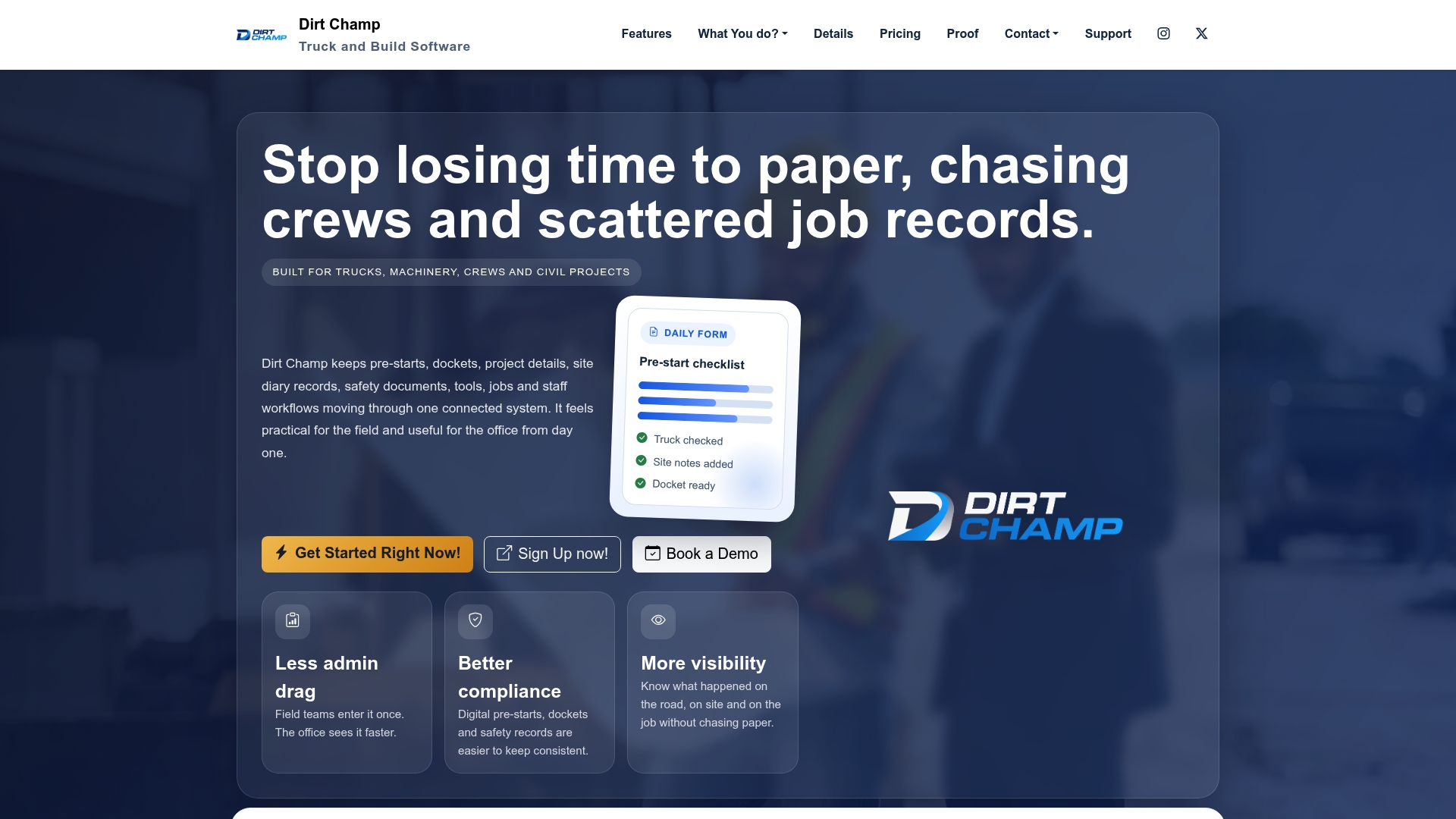
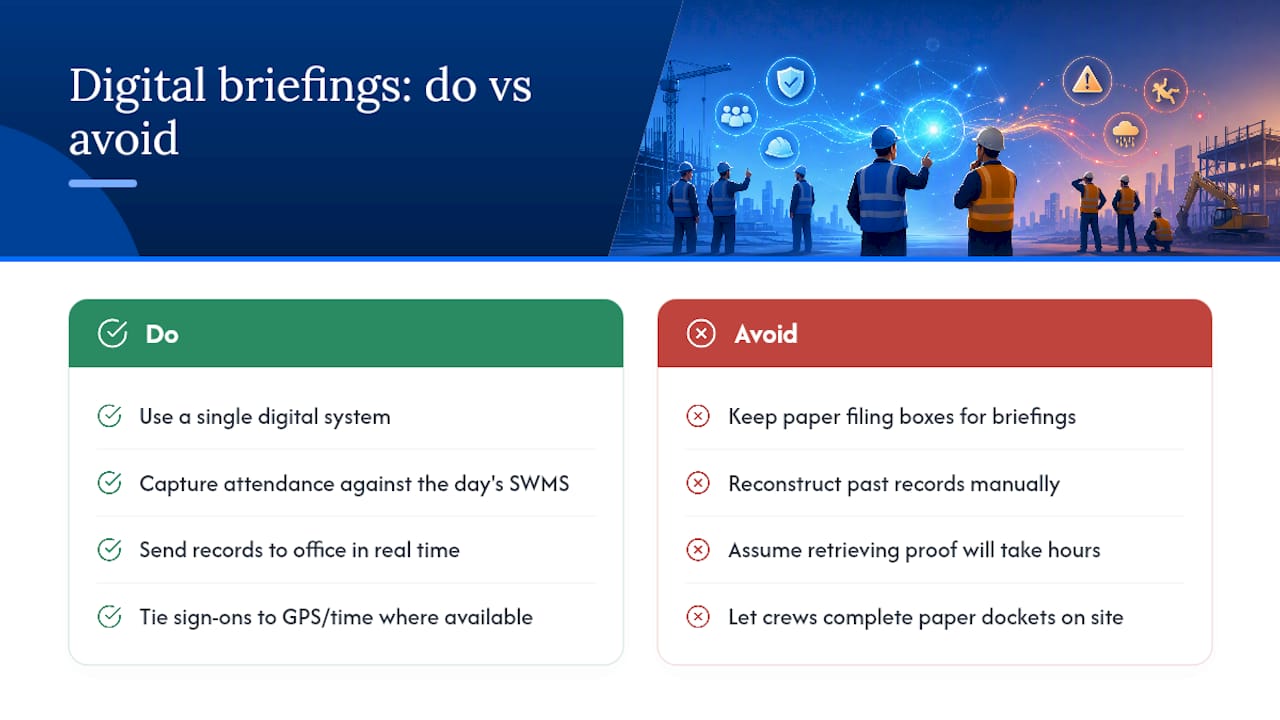
Some platforms let crews complete digital pre-starts and dockets on-site, capture attendance against the day’s SWMS, and send everything back to the office in real time. This avoids paper trails and the need to reconstruct past records. Certain solutions add GPS tracking through the OBD port to tie location and time to every sign-on, without extra hardware installs.
If you’re managing trucks, machinery, or crews across an active site, it’s worth seeing how this fits your daily routine. Head to the Dirt Champ product page to look at a demo and see what a digitised pre-start and toolbox talk workflow actually looks like in practice.
This article is general information, not a substitute for advice from a qualified lawyer. Consult a qualified legal professional about your own circumstances before acting on anything here.